Resources
Mollie for Pickware
Connect your Pickware ERP and POS to a single payment system.
Unify your online and in-store sales. Connect Mollie to Pickware to streamline operations, simplify accounting, and accept every payment method your customers want.
Sync your online and in-store payments
Running a retail store and an online shop with separate payment providers creates fragmented reports, complex reconciliations, and wasted time.
The Pickware and Mollie integration provides a direct solution: a single system for all your payouts, matching your unified inventory management.
True unified commerce
Get a clear, real-time overview of your revenue by connecting your Shopware store and your Pickware POS to one Mollie account.
Use one dashboard for online and in-person payments.
Consolidate all financial data for faster reporting.
Track cash flow across your entire business instantly.
Optimised for German and Austrian operations
Mollie is built for the specific needs of the DACH market, helping you reduce operational costs and meet local customer expectations.
Offer all key payment methods: major credit and debit cards like Visa, Mastercard, American Express, and digital wallets like Apple Pay and Google Pay.
Export clean, automated data directly for your DATEV bookkeeping.
Get expert, local support from our German-speaking team.
Instant activation, central control
Mollie comes pre-installed in your Pickware POS app. Activate the integration in just a few clicks to centralise your daily management.
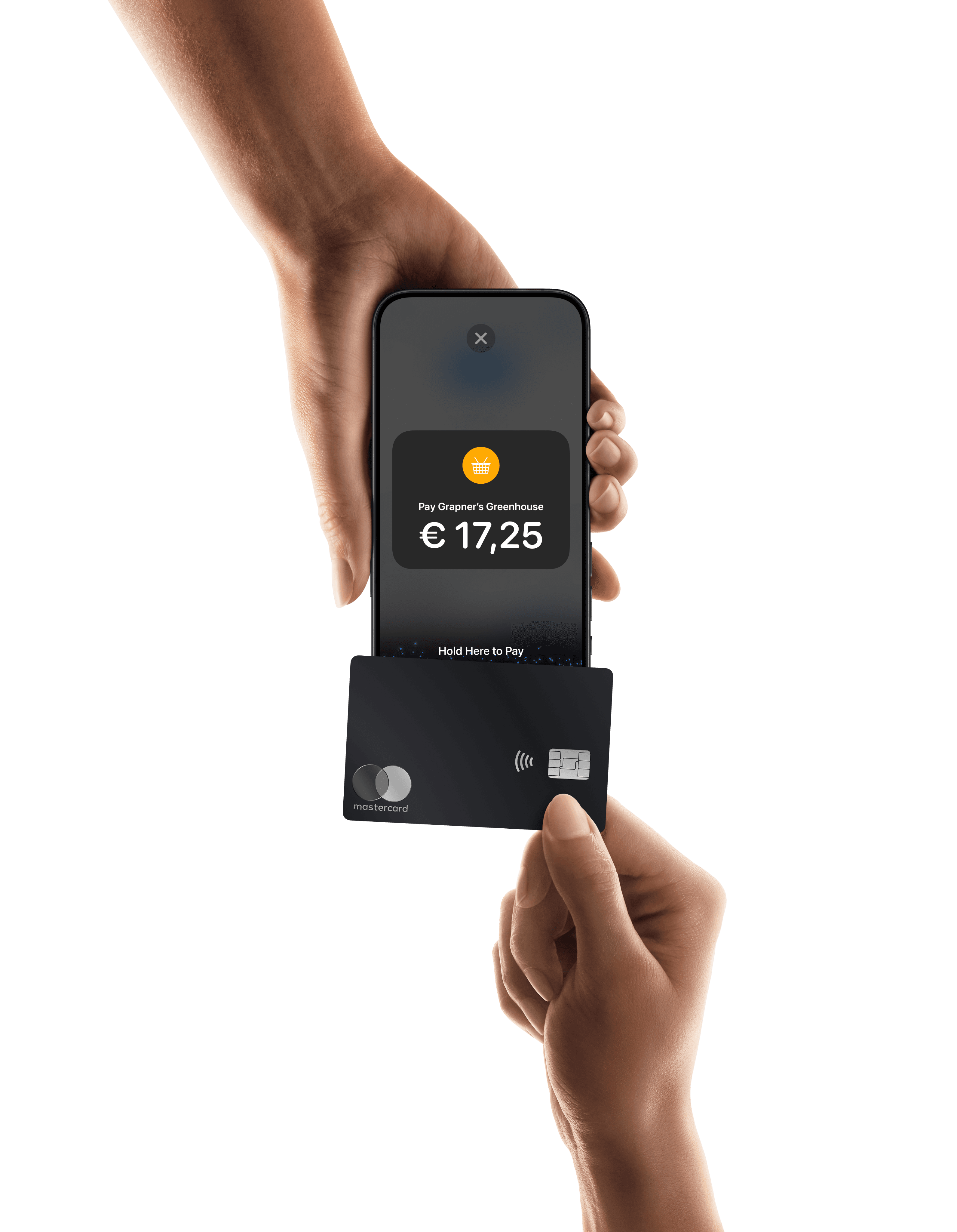
Connect your Mollie Terminal directly through the Pickware POS app.
Process refunds for any sales channel directly from the Pickware interface.
Manage online and offline transactions from your Mollie Dashboard.
Get started in minutes
Open your Pickware POS app, go to Settings, and select Card Readers.
Tap Add Card Reader and choose Connect Mollie Terminal.
Log in to your Mollie account to link the systems.
Select your terminal from the on-screen list.
Start accepting payments across all channels.
For step-by-step documentation, visit the Pickware Help Centre.
Ready to unify your Pickware payments?
Leave the financial admin to Mollie.